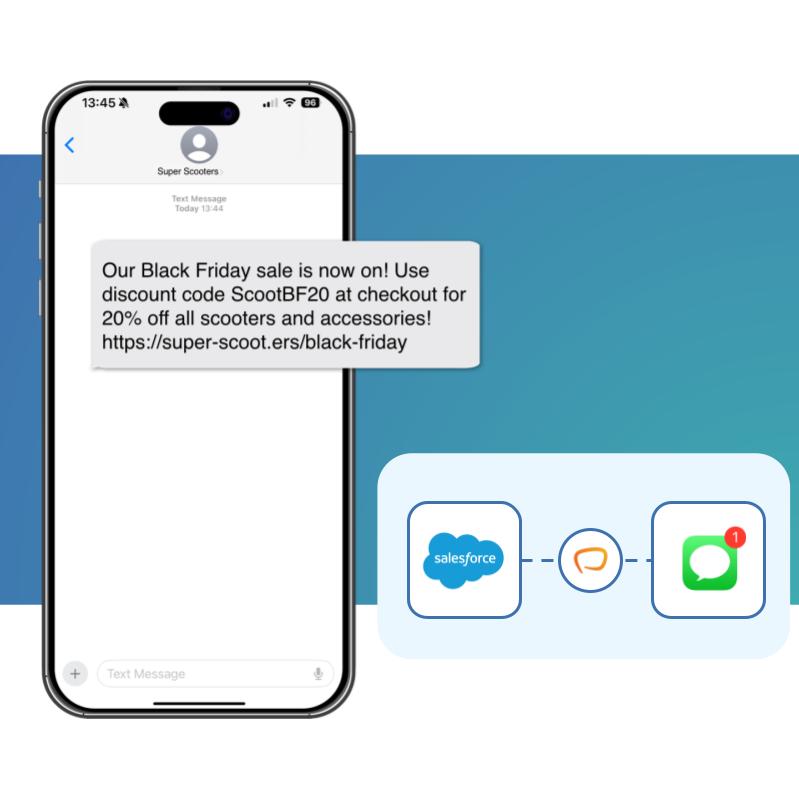
How do you integrate WhatsApp with Salesforce? You connect a WhatsApp Business account to Salesforce through a native app like Messaging Made Easy. Approved message templates, rich media and two-way replies then run directly from your records, Flows, and Apex, with every conversation logged against the Contact or Lead, and no data leaving Salesforce.
Over two billion people use WhatsApp, and they reply to it. Messaging Made Easy lets your Salesforce teams meet customers on that channel — sending templates, sharing rich media and holding real two-way conversations, all natively inside the CRM they already use.
In much of Europe, Latin America, the Middle East and Asia, WhatsApp is the default way to message a business.
Go beyond plain text with images, documents, buttons and quick replies — then handle the responses in Salesforce.
Every message ties back to the Contact, Lead or Case, so nothing lives in a separate inbox.
Tie WhatsApp conversations to pipeline and revenue with native Salesforce reporting.
Synchronise and map your Meta-approved templates required for business-initiated conversations, right inside Salesforce.
Send images, PDFs, location and interactive buttons to lift response and CSAT
Route, own and reply to inbound WhatsApp messages with full history on the record
Trigger WhatsApp from Flow or Apex for onboarding, reminders and re-engagement.
End users can send and receive WhatsApp messages directly from Salesforce record pages, keeping their conversations in context with CRM data.

Admins can use Flow and our invocable actions to trigger WhatsApp template messages from any object. Send automatic notifications, reminders, and more, all with no code.

Developers can integrate WhatsApp messaging into your existing triggers, business processes, and integrations in a pro-code way.

Most Salesforce WhatsApp options charge per user - so your costs rise every time you add a seat. Messaging Made Easy doesn't. A single price per org, no matter how many users or messages.
High up-front costs
Ongoing maintenance costs
Key person risks
Building your own Salesforce WhatsApp integration with an API can cost $10,000+ up front - plus ongoing maintenance every Salesforce release, and key-person risk if your developer moves on. Messaging Made Easy is supported, updated and maintained for you, so you get the control of native messaging without the build.

Messaging Made Easy is one app for every channel your customers use. Add WhatsApp and Viber alongside SMS and manage every conversation from one place in Salesforce.
.svg)
The platform is easy to use, integrates seamlessly with Salesforce, and the support team is fantastic. They took the time to understand our specific needs and quickly implemented solutions that worked for us.
EdCo LATAM Consulting

They were very helpful in implementing our specific use case, promptly fixed any issues that arose, and have provided fantastic ongoing support
Generate FS

This app is exactly what we needed! It's easy to use and well-supported. We were interested in Viber support, and the feature was quickly added.
Beaufort12