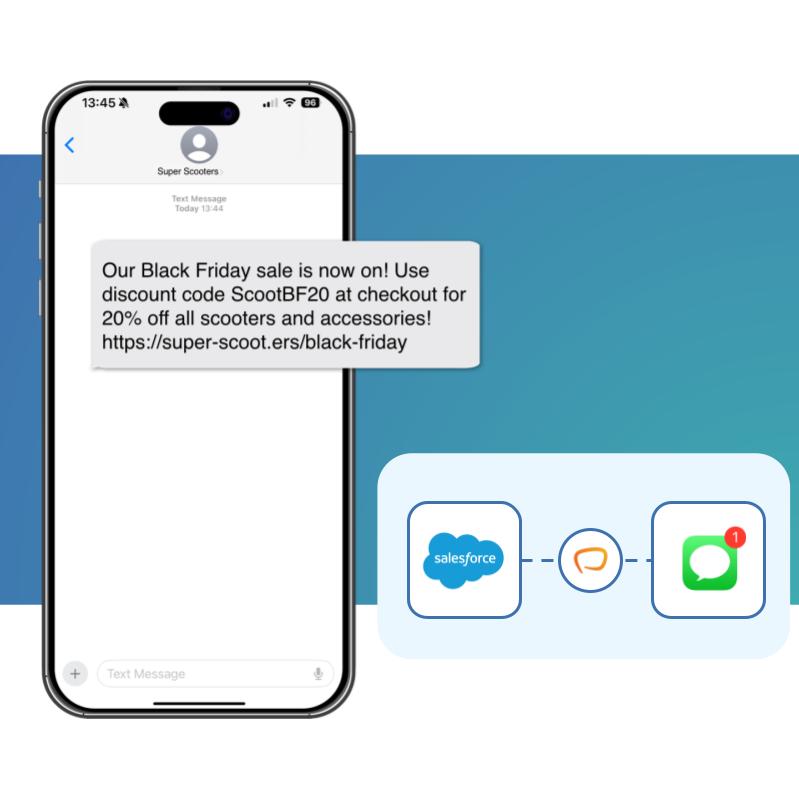
What is SMS for Salesforce? SMS for Salesforce means sending and receiving text messages directly inside your Salesforce CRM — from Flows, Apex or Lightning components — with every message logged against your Leads, Contacts and custom objects. Messaging Made Easy makes it native, quick, and easy, so you can start sending and receiving messages in minutes.
Your customers read texts within minutes. Your team lives in Salesforce. Messaging Made Easy brings the two together: a native Salesforce SMS app that lets anyone — admins, developers, and end users alike — send, automate, and reply to text messages without building an integration or paying per user.
SMS open rates dwarf email, and replies come back in minutes, not days.
Messages log against the record, so sales and service see the full history.
Trigger texts from any object — reminders, confirmations, drip campaigns — with no code.
Consent, opt-outs and audit trails are handled inside Salesforce, keeping your data resident and GDPR-ready.
End users can send and receive messages directly from Salesforce record pages, keeping their conversations in context with CRM data.

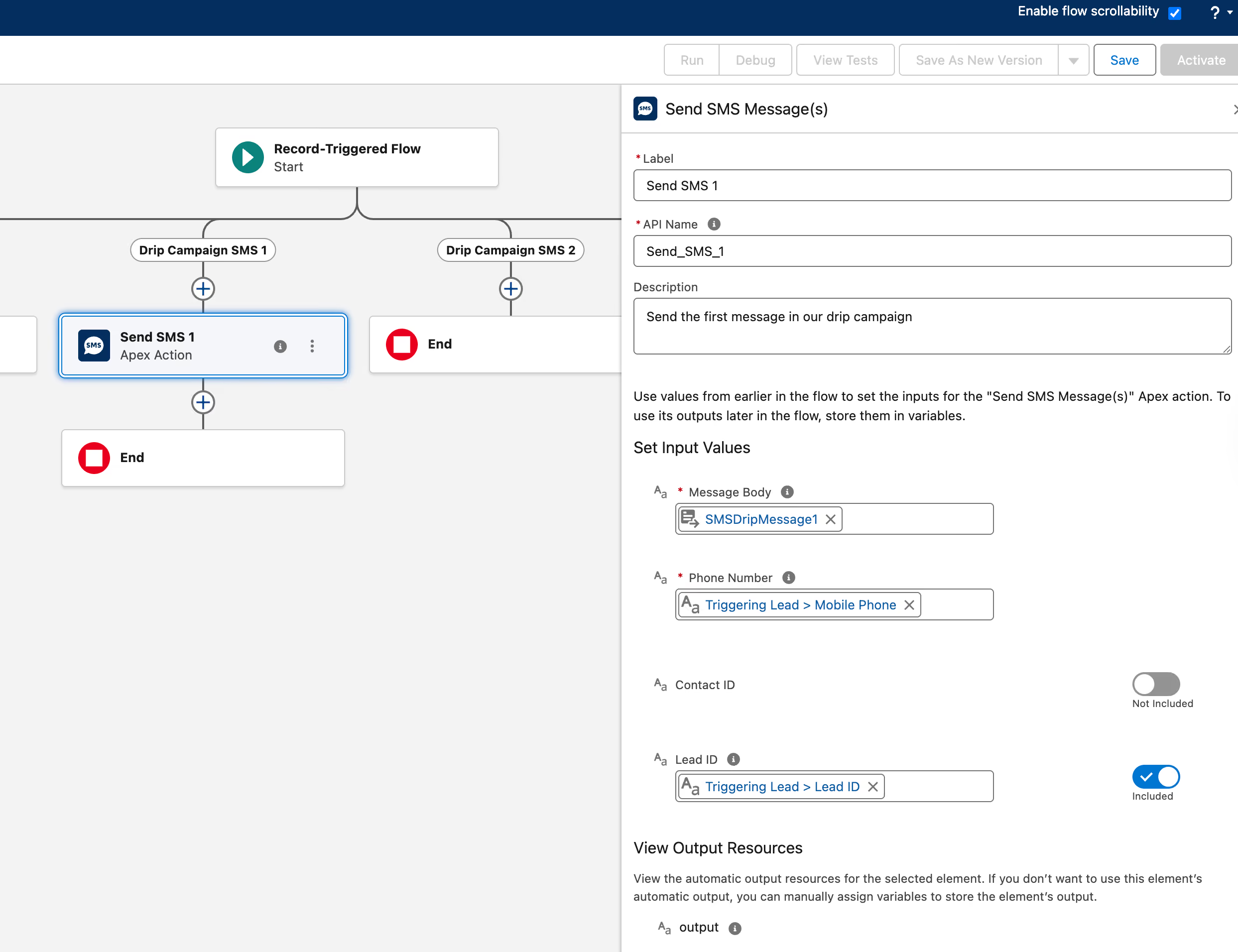
Admins can use Flow and our invocable actions to trigger messages from any object. Send automatic notifications, reminders, SMS drip campaigns and more, all with no code.
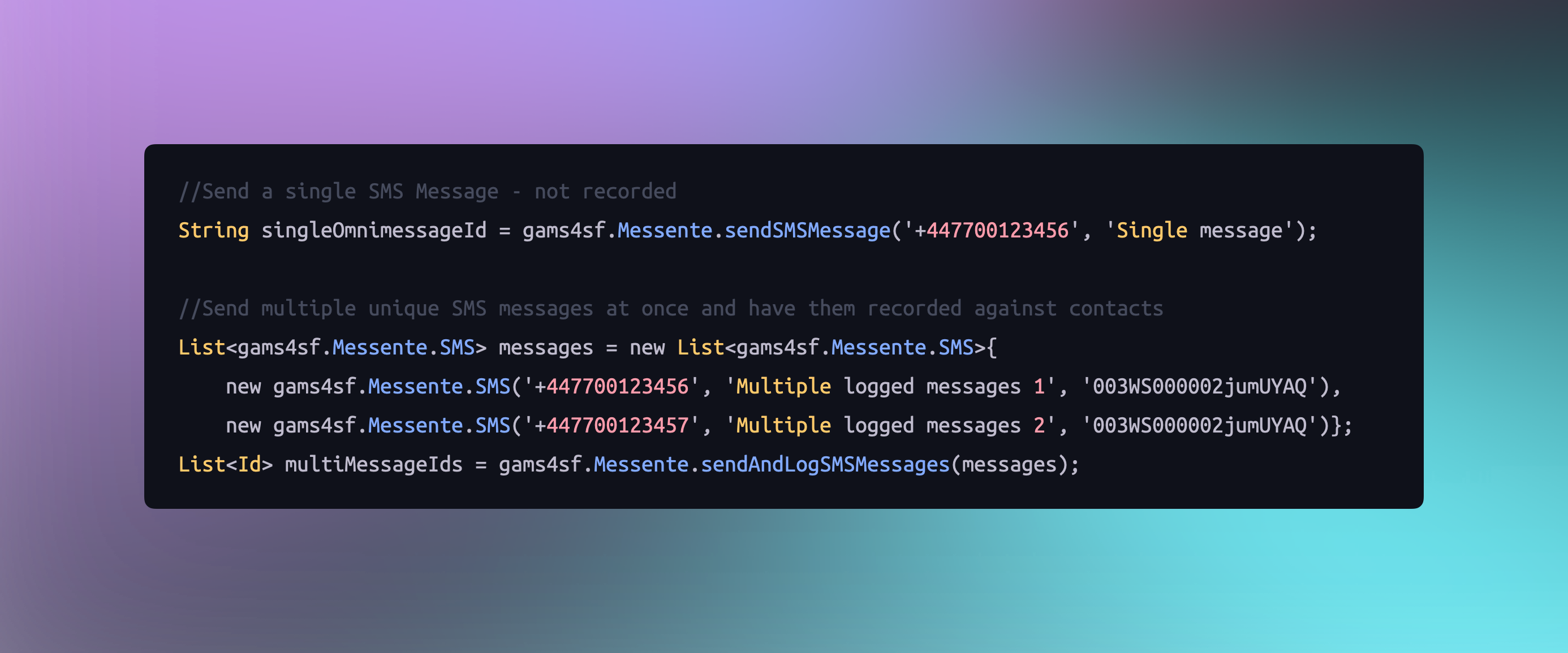
Developers can integrate messaging into your existing triggers, business processes, and integrations in a pro-code way.
Cut no-shows with reminders and confirm/change/
cancel replies
Create custom drip campaigns with personalisation. See building an SMS drip campaign in Flow
A shared inbox on all records, with routing, ownership, and defined sender access for users.
Bulk SMS campaigns with Sender IDs, in built bulkification, and opt out
Trigger events from Leads, Contacts, Accounts, and custom objects
Most Salesforce SMS options charge per user — so your costs rise every time you add a seat. Messaging Made Easy doesn't. A single price per org, no matter how many users or messages.
High up-front costs
Ongoing maintenance costs
Key person risks
Building your own Salesforce SMS integration with an API like Twilio can cost $10,000+ up front — plus ongoing maintenance every Salesforce release, and key-person risk if your developer moves on. Messaging Made Easy is supported, updated and maintained for you, so you get the control of native messaging without the build. For the full comparison, read can Salesforce send SMS messages?

Messaging Made Easy is one app for every channel your customers use. Add WhatsApp and Viber alongside SMS and manage every conversation from one place in Salesforce.
.svg)
The platform is easy to use, integrates seamlessly with Salesforce, and the support team is fantastic. They took the time to understand our specific needs and quickly implemented solutions that worked for us.
EdCo LATAM Consulting

They were very helpful in implementing our specific use case, promptly fixed any issues that arose, and have provided fantastic ongoing support
Generate FS

This app is exactly what we needed! It's easy to use and well-supported. We were interested in Viber support, and the feature was quickly added.
Beaufort12