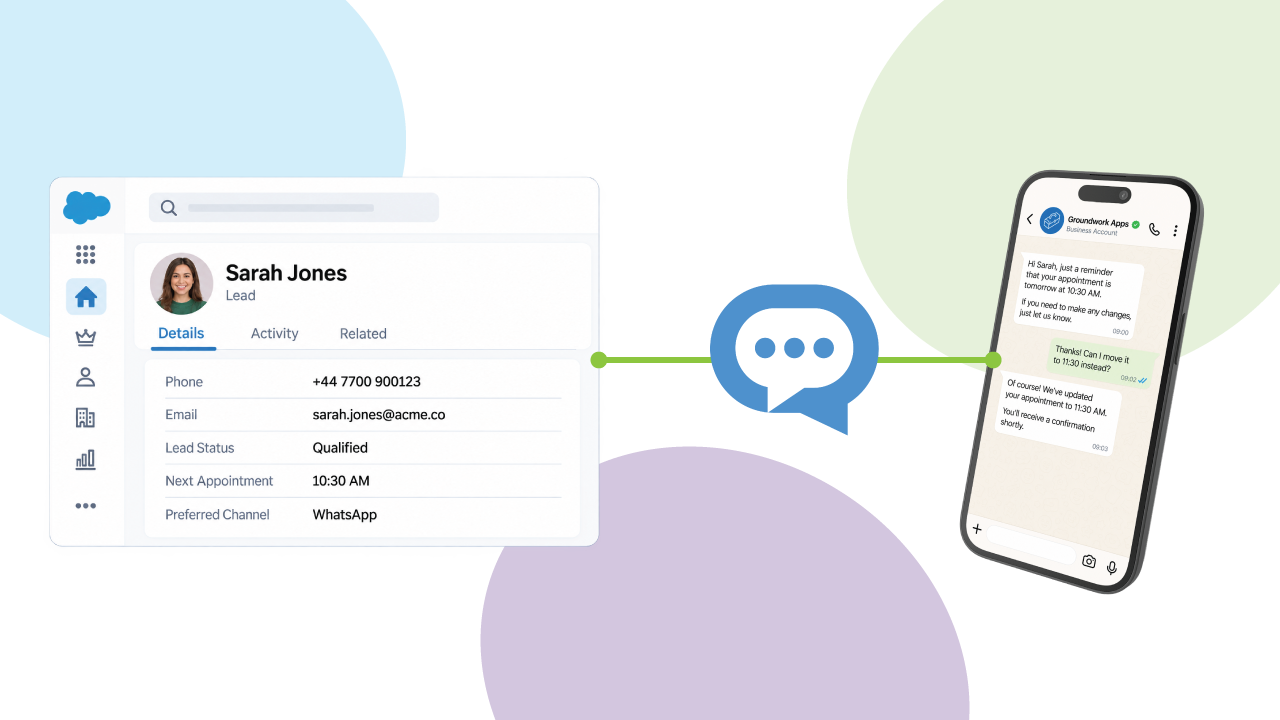
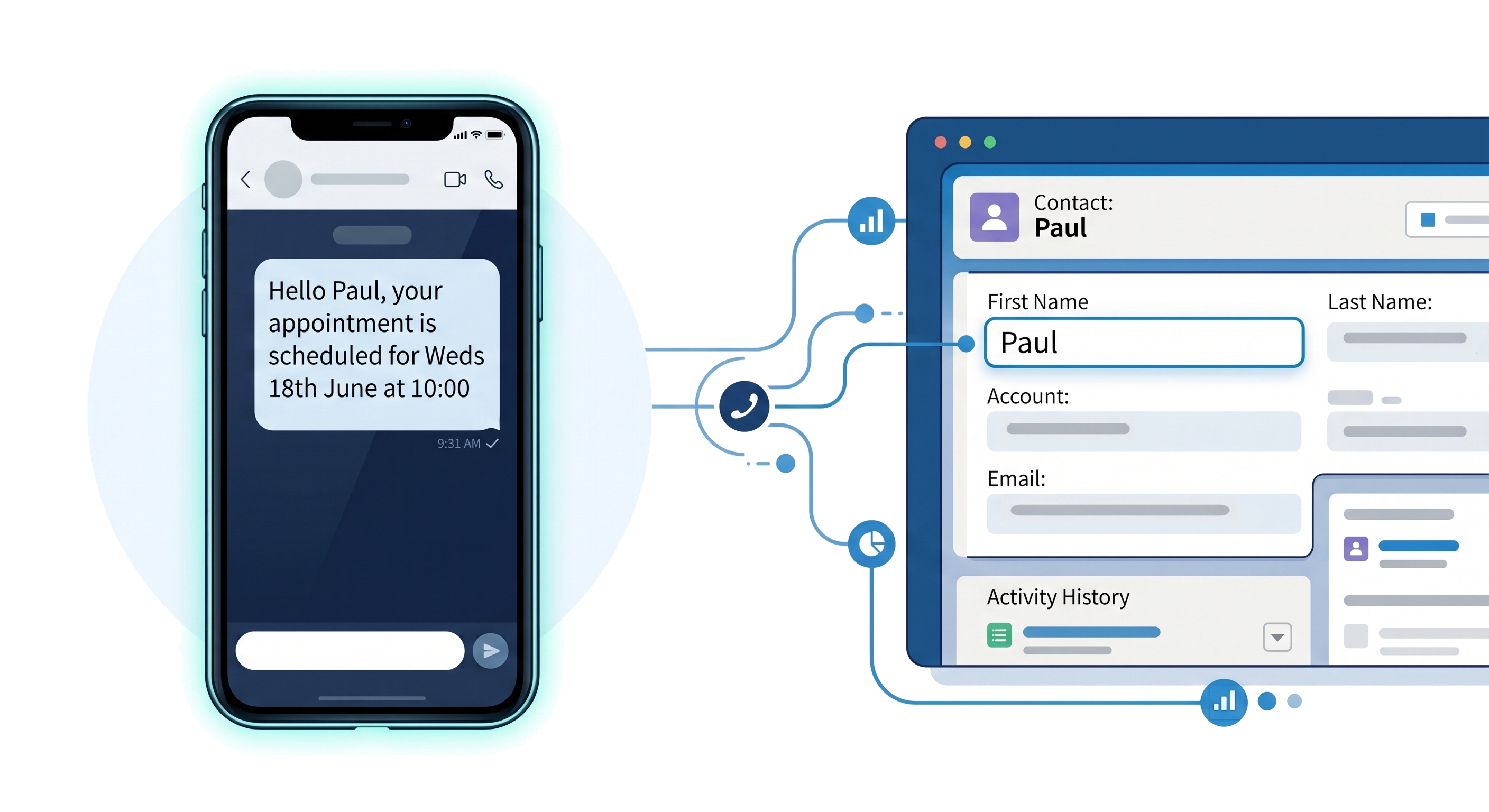
Quick answer: Yes. Salesforce can send SMS through its Digital Engagement add-on, a custom integration with an SMS provider, or an off-the-shelf Salesforce app. The right option depends on your budget, required countries, automation needs and development capacity. Each approach can support individual conversations and automated messages triggered from Salesforce.


Subject
Wondering how to reach your customers by text straight from your CRM? You're not alone. "Can Salesforce send SMS?" is one of the most common questions Salesforce admins and marketers ask. Although SMS messaging is not included in standard Salesforce licenses, you can send SMS messages from Salesforce, and you have three clear routes to get there. Below we compare all three on cost, coverage and effort, show you how to send your first message, and answer the questions buyers ask most.
This guide is for Salesforce administrators, developers, architects and operations teams comparing the available ways to add SMS to Salesforce. It will help you understand the differences in setup, coverage, automation, ongoing management and pricing before selecting an approach.

Salesforce's Digital Engagement is Salesforce's own add-on for SMS, messaging apps and live chat inside Sales Cloud and Service Cloud.
Salesforce SMS pricing: Digital Engagement costs $75 USD per user/month, billed annually. SMS number provisioning, message credits and usage charges may apply separately and vary by country, number type and sending model. Because it's licensed per user, costs climb quickly for larger teams, and it's designed primarily around Service Cloud rather than developer-driven automation via Apex.
Coverage matters. Digital Engagement only supports SMS to a fixed list of countries. As of 2026 that list includes Australia, Austria, Belgium, Brazil, Canada, Denmark, Finland, France, Germany, Hong Kong, Hungary, Ireland, Malaysia, Norway, Poland, Portugal, Singapore, Spain, Sweden, Switzerland, Taiwan, the United Kingdom and the United States. (Always confirm against Salesforce's current help article, as the list changes.)
If you operate outside those countries, or you want to drive messaging from Flows and Apex across any object, Digital Engagement can feel restrictive — which is why many teams look at a custom build or an off-the-shelf app instead.

Providers like Twilio and Messente expose SMS APIs that a developer can wire into Salesforce. This gives you total control — but it comes with real costs and risks:
A custom build can be the right answer when you have unusual requirements and in-house engineering capacity. For most teams, though, the total cost of ownership is hard to justify when a supported, off-the-shelf app does the same job.

Messaging Made Easy is a native Salesforce app that lets you send and receive SMS — plus WhatsApp and Viber — without building anything yourself. Here's why teams choose it:
Because it's native, you can trigger texts from any object, build SMS drip campaigns in Flow, and unify SMS, WhatsApp and Viber in one place. See more on the Messaging Made Easy product page.
Depending on the complexity of the requirement and process, you can implement these automations using either Flow or Apex, depending on what options the solution supports. For example, Messaging Made Easy supports both Flow and Apex in single and bulk modes to allow teams the flexibility to deliver in the right way for them.
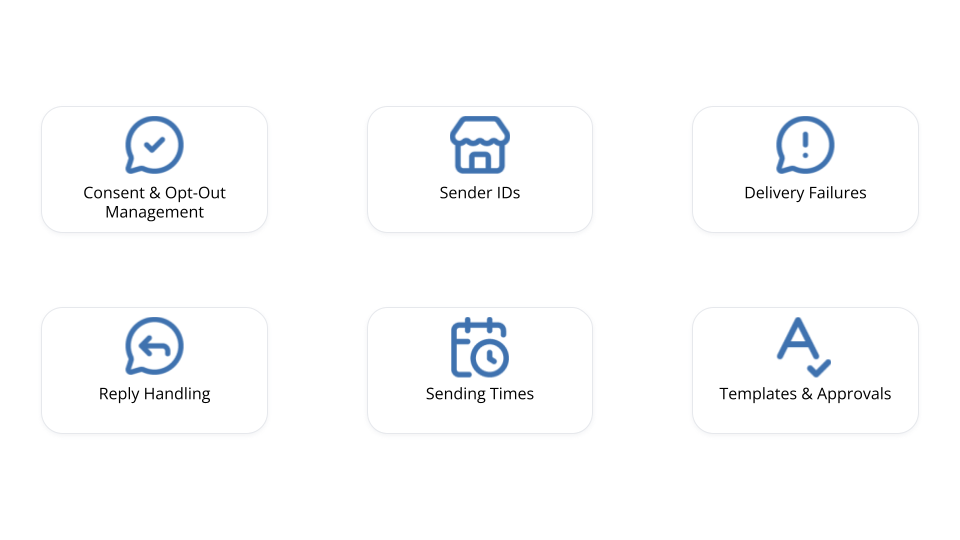
Setting up the technical integration is only one part of a successful Salesforce SMS implementation. You also need to decide who can send messages, when messages should be sent, how replies will be handled and what happens when a message cannot be delivered.
Here are some of the main areas to consider before switching SMS on for your users.
Before sending SMS messages, make sure you understand when and how the recipient agreed to receive them.
The exact requirements will depend on the country, the type of recipient and whether the message is promotional or operational. Your Salesforce records should give users a clear way to see whether someone has opted in and prevent messages from being sent when they have opted out.
You should also decide how replies such as STOP will be handled and how that preference will be reflected across future campaigns and automated processes.
The number or sender name shown to a recipient can vary depending on the destination country and the type of message being sent.
Some countries allow an alphanumeric sender ID, while others may require a long code, toll-free number or short code. Two-way messaging also normally requires a number capable of receiving replies.
Check the number and registration requirements for each market before building your Salesforce automation around a particular sending method.
Not every Salesforce user should necessarily be able to send every type of message.
Consider which users should be allowed to:
Using permission sets and clearly defined responsibilities helps reduce accidental sends and keeps messaging processes consistent.
Sending an outbound message is often the easy part. You also need to decide what happens when the recipient replies.
For example:
Defining these rules early prevents customer responses from being missed or left without a clear owner.
Just because an automation can send a message immediately does not always mean that it should.
Consider appropriate sending hours for each recipient’s location, how often someone should receive messages and whether multiple Salesforce automations could contact the same person within a short period.
For scheduled reminders and notifications, it is also worth defining what should happen on weekends, bank holidays or outside normal working hours.
Templates can help users send consistent messages without rewriting the same content each time.
For common use cases, consider creating approved templates for:
Templates should still support relevant personalisation, but important wording should not be left entirely to individual users.
Not every SMS message will be delivered successfully.
Numbers may be invalid, unavailable, blocked or unable to receive the message. Your implementation should make delivery information visible in Salesforce and define what users or automations should do when a message fails.
Depending on the use case, that might mean correcting the phone number, attempting a different channel or creating a follow-up task for a Salesforce user.
Finally, decide what information you need to retain and report on.
Useful Salesforce reporting may include:
You should also confirm how long message content and delivery records need to be retained under your organisation’s own policies.
Thinking through these areas before launch makes it easier to create a Salesforce SMS process that is reliable, manageable and ready to scale. The right technology should support these controls without forcing administrators to build every part of the governance model themselves.
If you're using Messaging Made Easy, you can go from install to first text in minutes. Here's the five-step path:
That's the whole loop: install, connect, template, send, log. For a fuller walkthrough, see how to send SMS messages from Salesforce in 5 easy steps.
Whichever route you take, the goal is the same: effective, timely, two-way communication with your customers, logged where your team already works.
Yes. Salesforce can send SMS natively through the Digital Engagement add-on, through a custom integration with an SMS API like Twilio, or through an off-the-shelf app such as Messaging Made Easy that installs directly into your org.
Not out of the box - standard Salesforce licences don't include SMS. You need either the Digital Engagement add-on, a custom-built integration, or a third-party app from the AppExchange like Messaging Made Easy.
It depends on the route. Digital Engagement is about $75/user/month plus message bundles; a custom build can cost $10,000+ to develop plus maintenance; Messaging Made Easy is a flat £200/$250/organisation/month with no per-user fees.
With Messaging Made Easy: install the app, assign permissions, create a template, then send a test message from a Contact or Lead — or trigger it automatically from a Flow. Replies and delivery status log back against the record.
Yes. Messaging Made Easy provides native Flow actions, so you can send texts automatically from any standard or custom object — for reminders, drip campaigns, or event-driven alerts — with no code.
Salesforce's Native Digital Engagement supports 23 countries as of July 2026. A custom build depends on your provider. Messaging Made Easy supports 190+ countries.
Yes. Messaging Made Easy adds native WhatsApp and Viber alongside SMS, so you can manage every channel from one place in Salesforce.