Messaging Made Easy
December 17, 2024

Boost Your Sales With SMS Campaigns on Salesforce

TL; DR
  • Boost your sales with an SMS campaign on Salesforce by creating a Flow to send targeted, 98%-open-rate text messages directly to your campaign members.
  • Automate your bulk outreach by building a Flow that accepts a Campaign ID, retrieves member records, loops through them, and executes a "Send SMS Message(s)" action.
  • Drive higher engagement by leveraging standard Salesforce text templates to dynamically personalize each message, seamlessly updating campaign member statuses as texts are dispatched.

Published By

Paul Battisson
Statistic Icon

Subject

Campaigns

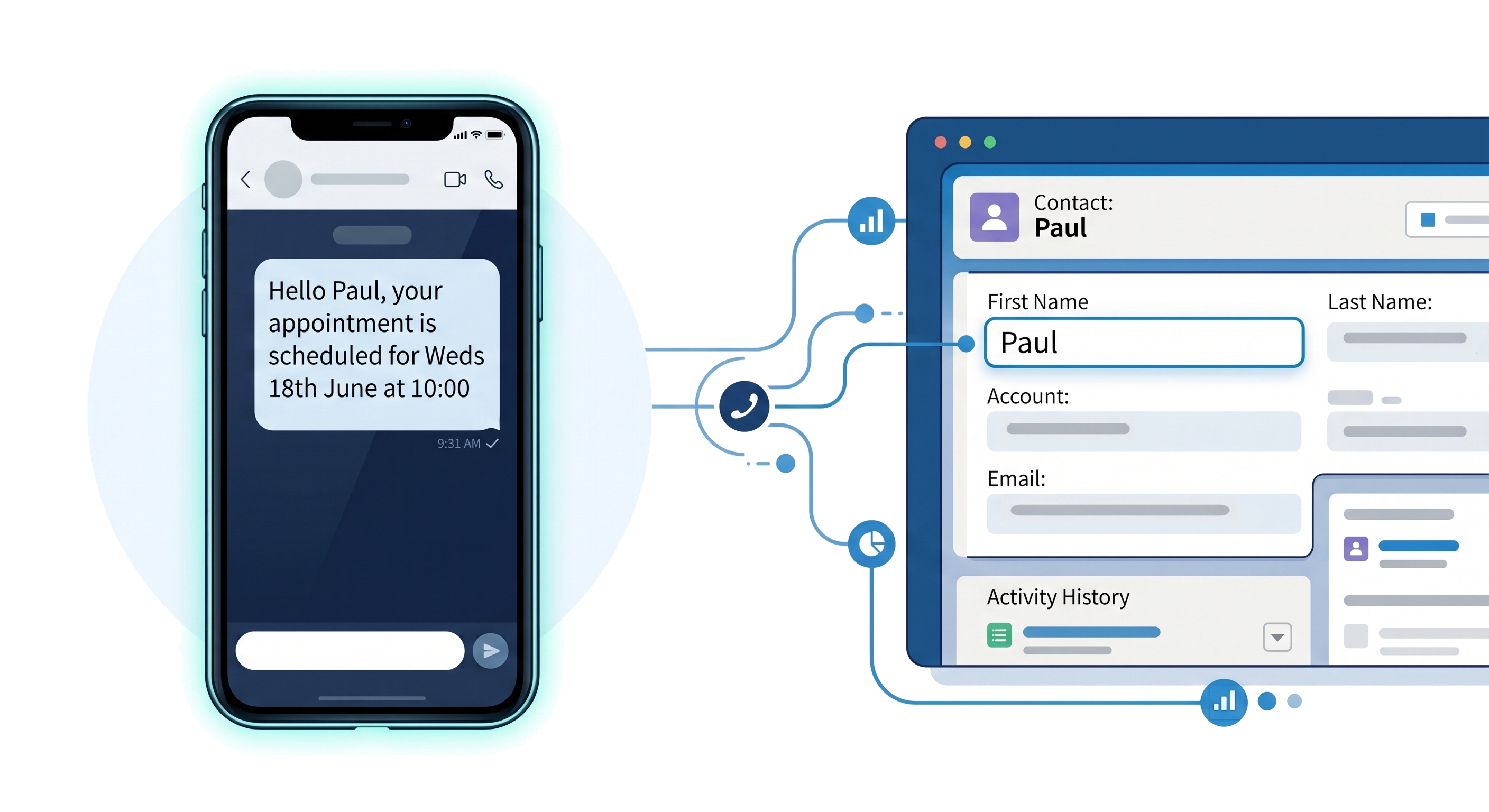
One of the best ways to boost your sales is to send your customers and leads targeted, personalised, and timely content with a high open rate. With an open rate of 98% and a typical action time of 90 seconds, SMS is a stand out channel for such campaigns. Messaging Made Easy makes it simple for you to send messages from Salesforce in a number of ways, including through Salesforce Flow.

In the following video, we see how we can create a Flow that runs from a campaign and sends a personalised message to each campaign member.

As we can see, the process for creating this flow and sending these messages is quick and easy:

  1. Create a Flow in Salesforce that takes in a Campaign Id using the recordId input parameter
  2. Retrieve our campaign members information
  3. Loop over the members and use our "Send SMS Message(s)" action from Messaging Made Easy and update our member status
  4. Update our member records
  5. Add the Flow as a button to our page

As we saw as well we can utilise some standard Salesforce features such as text templates to allow us to create personalised messages that will resonate with our customers and prospects to drive engagement and encourage them to click on the link and take advantage.